
Authoritative DNS, a pinger and virtual machines, run from one London team.
Netquirk Limited operates a small network of public internet services. Sign in once at my.netquirk.com and the same account opens your DNS zones, your virtual machines and your support history.
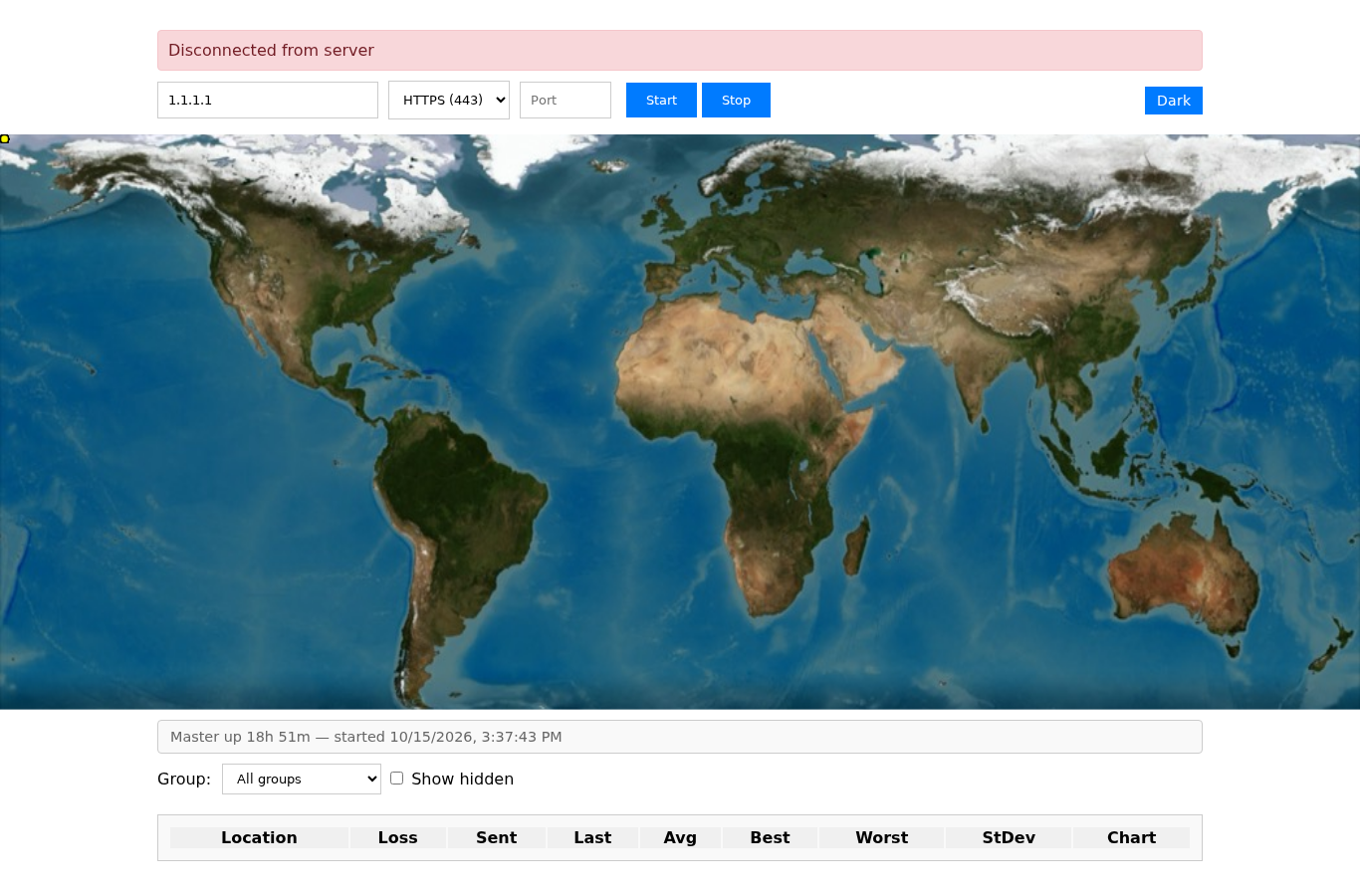
The pinger opens without an account: check a host and read the loss and the latency for each relay.
What we run
Five places to go. Each one is a working service, not a demo.
-
DNS
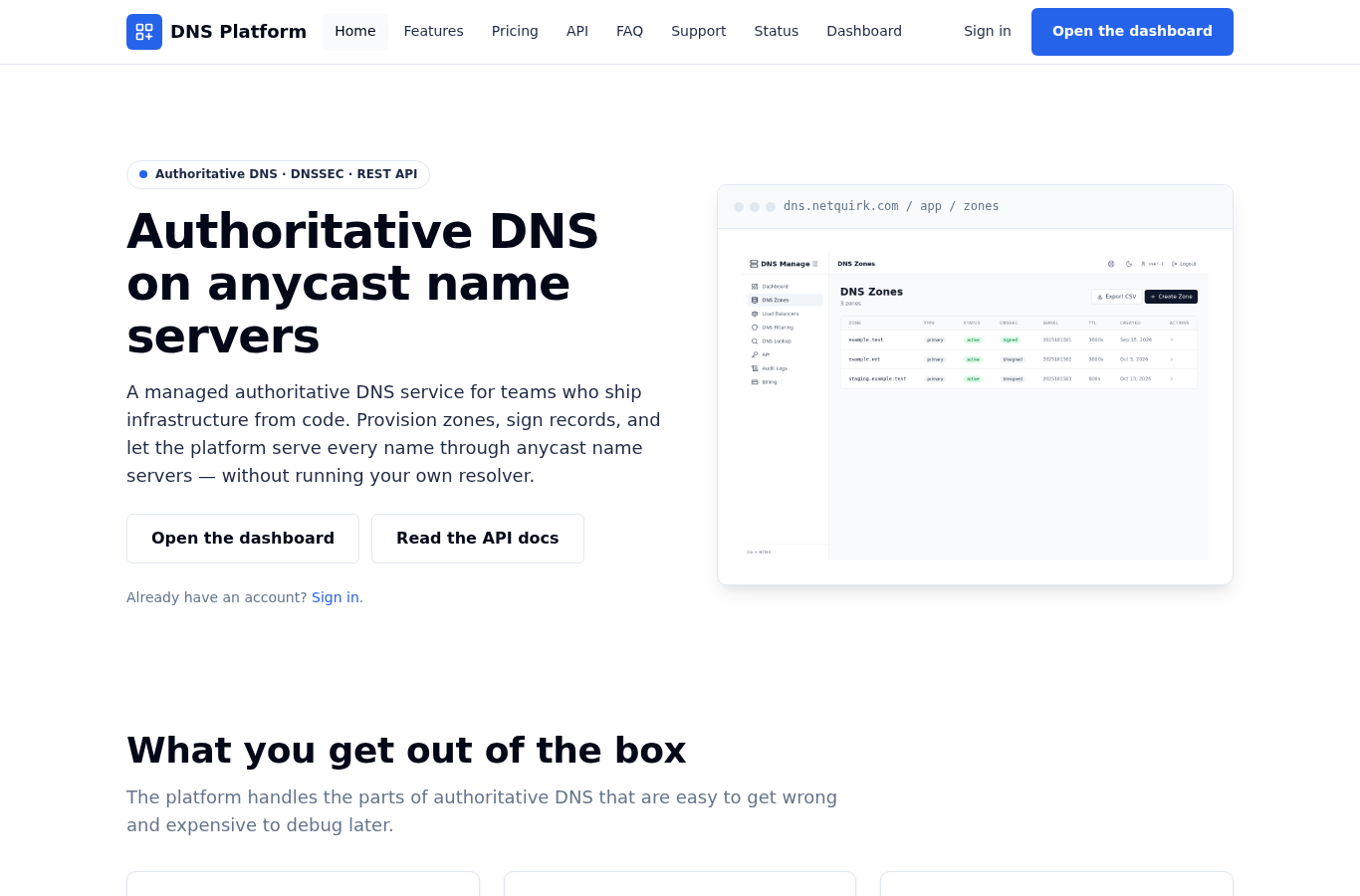
Authoritative DNS on anycast name servers, with DNSSEC signing, a REST API and an audit entry for every change.
-
Pinger
Check whether a host answers and how long the answer takes, from relay points around the world.
-

Virtual machines
Provision and run virtual machines on Netquirk infrastructure, and manage them from the console.
-
Account
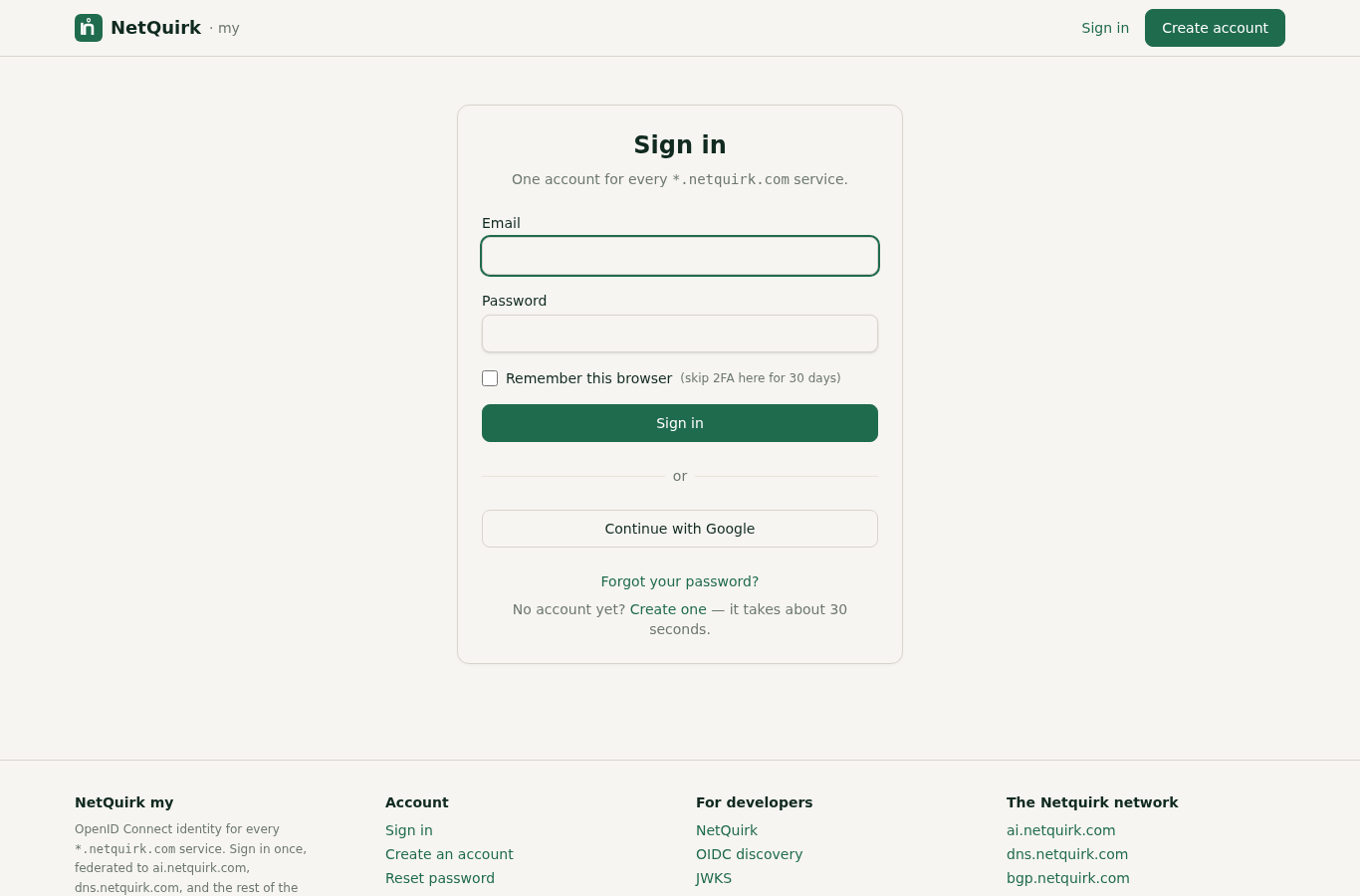
One account for every netquirk.com service. Sign in once and the session carries across the network.
-
The network at a glance
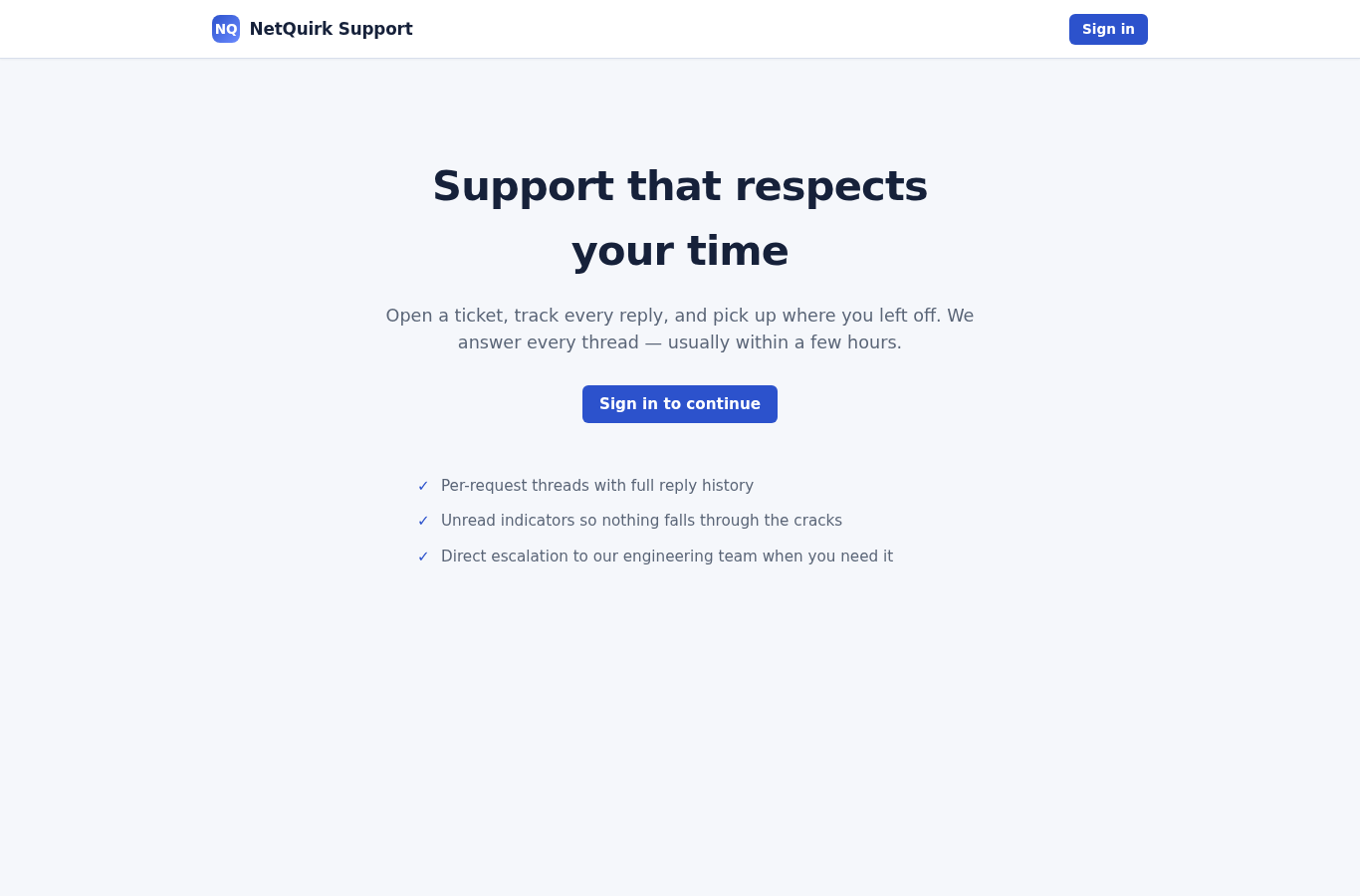
- One account for every serviceSign in at my.netquirk.com and the same session opens DNS, virtual machines and support.
- Zones served close to the visitorEvery zone is answered from a globally distributed network of name servers.
- A pinger you can open nowCheck a host from relay points around the world without creating an account.
- A desk that answersOpen a ticket at support.netquirk.com and follow it through to a fix.
How to start
Three steps from a new account to a live zone.
-
Create your account
Sign in at my.netquirk.com and create one. It takes about 30 seconds, and it is the same account for every Netquirk service.
-
Open the DNS dashboard
Add the zone for your domain and write the records it needs. The dashboard shows every record type the platform serves and lets you stage a batch of changes before you publish.
-
Point your domain at the name servers
Copy the name servers the zone page shows you and update the NS records at your registrar. Queries resolve as soon as the registrar publishes the change.
What it costs
There is no public price list. Access to the DNS service runs through a Netquirk workspace.
Sign in at my.netquirk.com and the plan is picked inside the workspace once you are signed in. Every workspace gets the same authoritative DNS surface: the plan choice sets how far a workspace can grow, not which features it can use.
If a workspace does not fit your situation, such as a procurement review, a multi-tenant rollout or a regulated environment, open a ticket at support.netquirk.com and the operator will walk you through the available options.
Trust and security
What the DNS platform does to keep your zones yours.
- Your data stays yoursEvery zone, record and API key belongs to your account, so no other customer reads or writes it.
- DNSSEC when you want itTurn on signing for a zone and publish the DS record at your registrar. You are warned before a signature is about to expire.
- A record of every changeEach change leaves an audit entry with the actor, the time and the values before and after, searchable from the dashboard.
- One place to report a problemSecurity problems go to a published address, and our security page says what to send and where.
Common questions
Do I need an account to use the DNS service?
Yes. DNS runs inside a Netquirk workspace, and the workspace comes from the same sign-in as every other Netquirk service. The pinger needs no account.
Can I keep my current registrar?
Yes. You change the NS records at your registrar so they match the name servers the dashboard shows. Your renewal schedule and the records you keep there stay as they are.
Can I manage DNS without the dashboard?
Yes. Every action the dashboard offers is also a REST endpoint. Mint an API key from the dashboard and you can make the changes from a script or from your own tooling.
Is DNSSEC available?
Yes. Turn on signing for any zone you own, publish the DS record the dashboard shows, and the platform warns you before a signature is about to expire.
Where do I report a security problem?
Send the details to the address on our security page. The same address is published for scanners, so there is one place to write to.
Open your Netquirk account
One sign-in opens your DNS zones, your virtual machines and your support history.
Sign in to my.netquirk.comAbout the company
Netquirk Limited is the operator of the netquirk.com network and the writer of the software behind it. The company is registered in England and Wales (company number 16128728) with its registered office at Covent Garden, London, WC2H 9JQ. Security problems and security research go to the address on our security page.